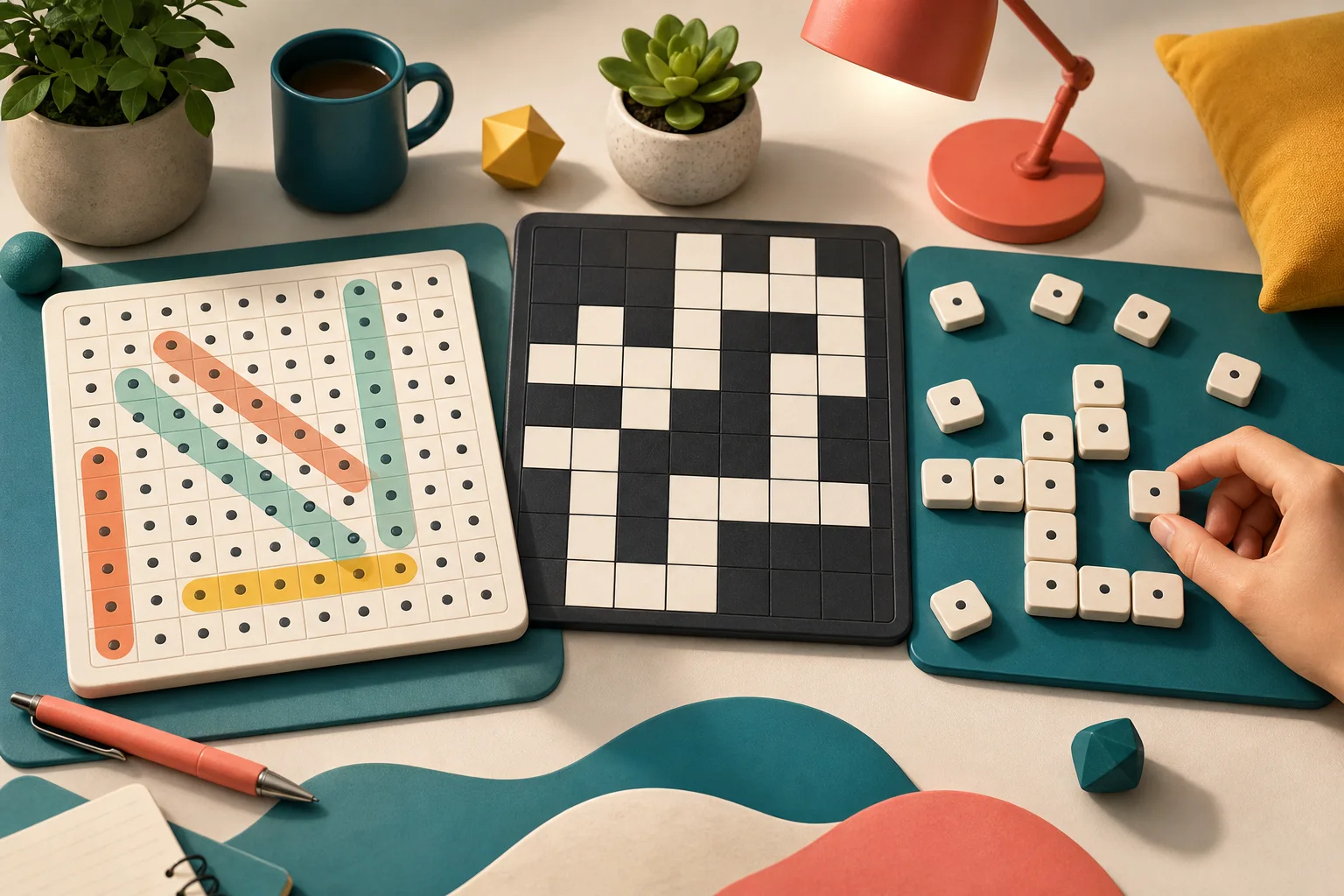
Word Search, Crossword, and Word Tile Studio all use letters, but they ask for different thinking. One is scanning, one is clue solving, and one is building words from available tiles. Choose by the kind of word work you want.
Choose Word Search For Scanning
Word Search is best when you want a clear list and a grid to inspect. Pick one target word, scan for its first and last letters, then check straight horizontal, vertical, diagonal, and reversed paths.
This is the easiest first pick if you want low explanation and quick progress. The challenge is staying systematic instead of dragging randomly.
Choose Crossword For Clues
Crossword is better when you want language clues and crossing letters. Start with the answers you know, then use the letters they create to solve harder clues.
Crossword rewards patience. If one answer feels uncertain, leave it until another crossing confirms it. Check puzzle, Reveal letter, and Clear word help when one square blocks the grid.
Choose Word Tile Studio For Building
Word Tile Studio asks you to build words from letter tiles against a prompt. It is more active than Crossword and less visual than Word Search. Backspace, Enter, Escape, hints, shuffle, restart, and new round controls make it feel like a compact word desk.
Use shuffle when the same letters stop suggesting anything. Use hints when the prompt needs a nudge, not before you try the obvious word shapes.
Where To Start
Choose Word Search for scanning, Crossword for clue solving, and Word Tile Studio for building. If you want quiz prompts instead of word boards, open General Knowledge Quiz or read Which Quiz Game Should You Play.