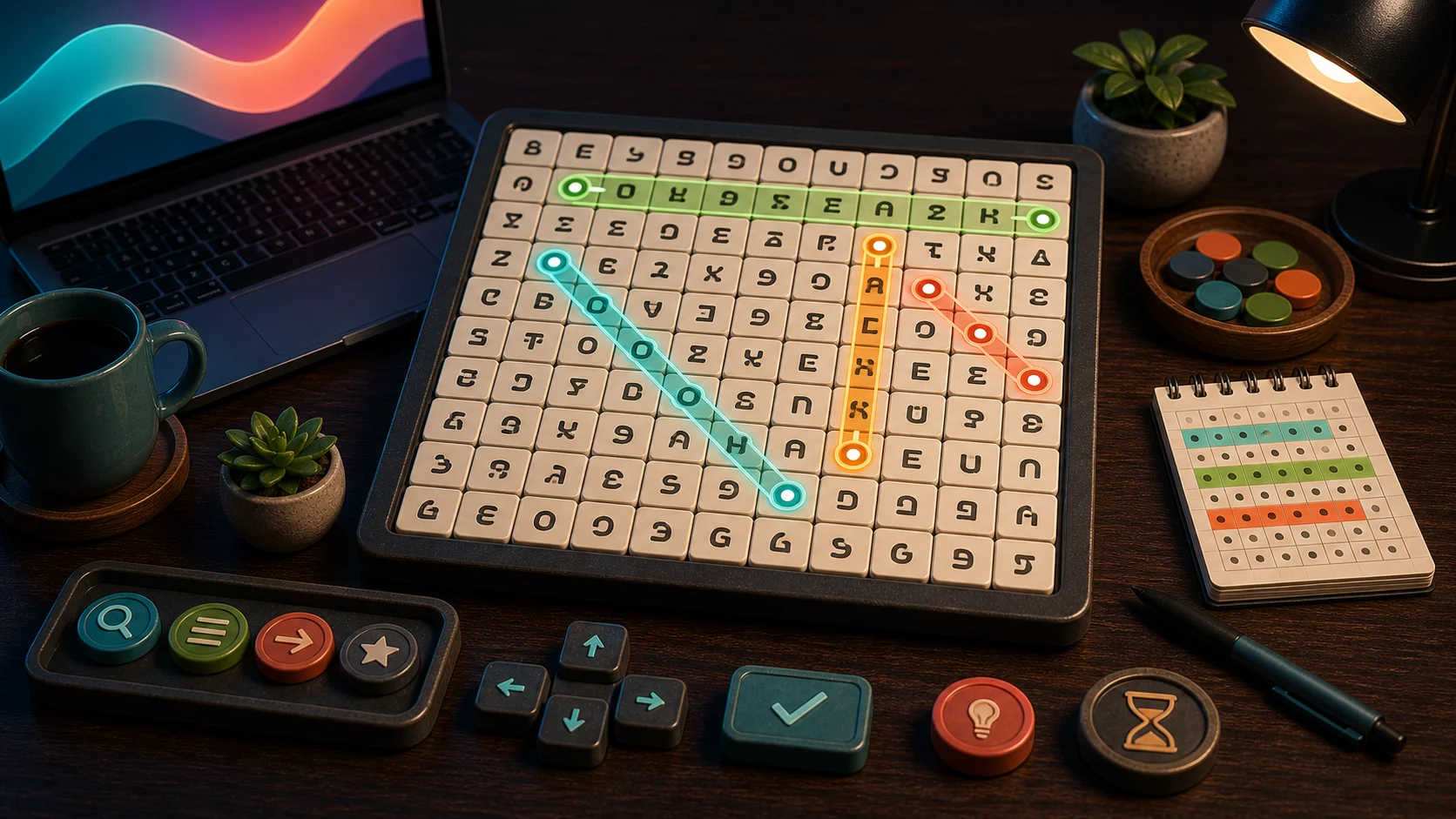
Word Search is faster when you scan with a target. The hidden words can run horizontally, vertically, diagonally, and in reverse, so random dragging across the grid wastes attention.
Pick One Word At A Time
Choose a word from the list, then scan for its first and last letters. If the word starts with a rare letter, begin there. If it uses common letters, look for the first two-letter pattern instead.
Drag through a straight path to submit a match. Keyboard players can press Space or Enter on the first letter, move with arrow keys, and press Space or Enter again on the last letter.
Scan By Direction
Do not scan every direction at once. Try horizontal passes first, then vertical, then diagonals. Reversed words become easier when you also check the last letter as a possible starting point.
Each level gives three hints. A hint marks a target word, costs a small score penalty, and resets the current streak. Save hints for words where the starting letters have stopped helping.
Where Hidden Words Get Missed
Words get missed when you jump around the grid without a system. Your eyes revisit the same rows while ignoring a diagonal or reversed path. A direction-by-direction scan prevents that.
The level recap shows time, score, best streak, and saved hints before the next category loads. Best completion times save on this device for each themed level.
One Grid Habit
For one level, scan all words horizontally before checking any diagonals. It may feel slower, but it reduces repeated searching. If you want clue-based wordplay, try Crossword. If you want tile building, open Word Tile Studio.