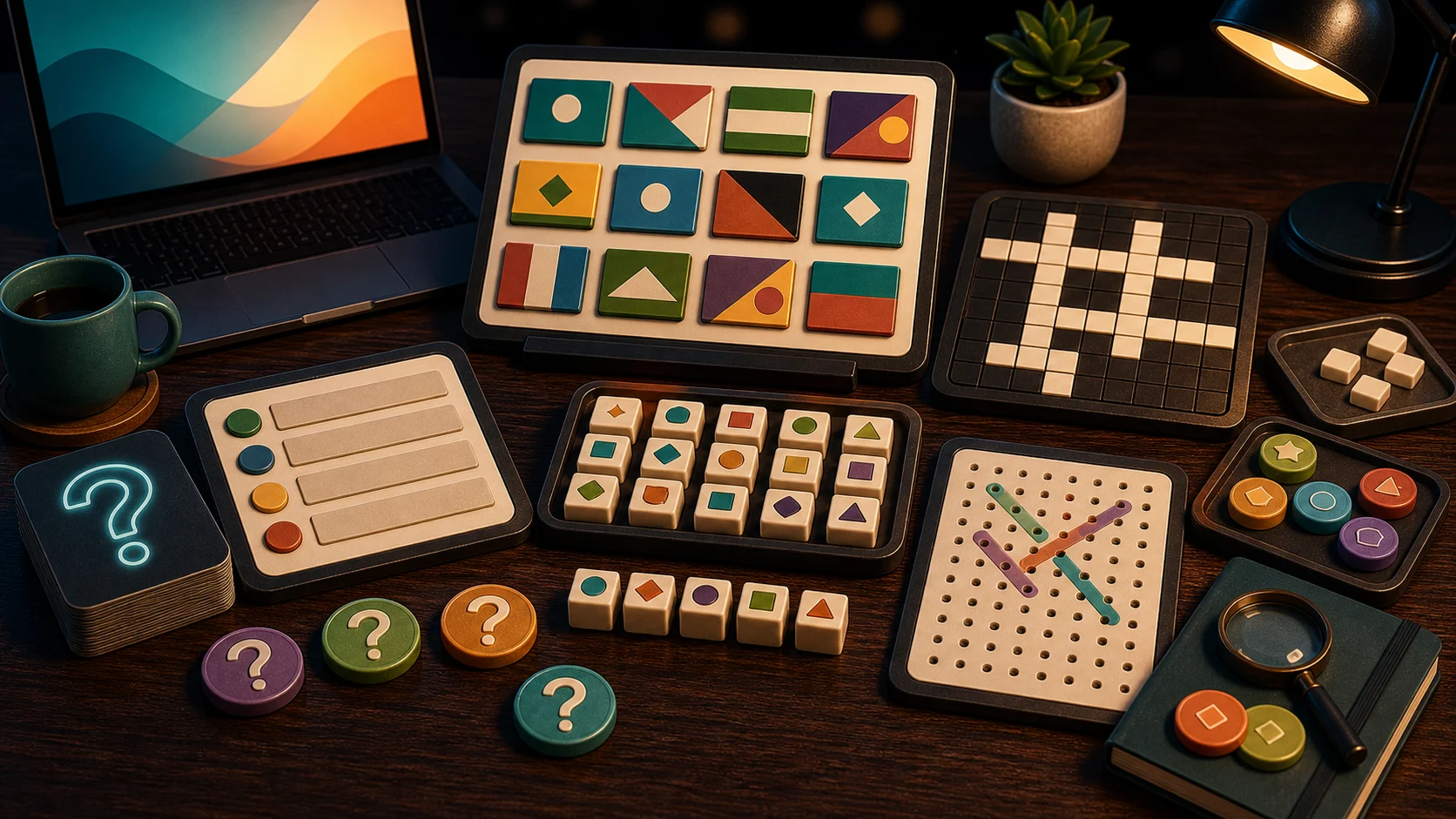
Quiz and word games are best when you want a browser break that starts with reading. The first move is not a swipe or a jump. It is looking at the prompt, clue, flag, word list, or answer choices carefully enough to avoid the obvious trap.
Choose Questions Or Words
For multiple-choice play, start with General Knowledge Quiz, Flag Quiz, Cricket Quick Quiz, or Quick Quiz Sprint. These games show answer choices and reward careful reading before the timer or streak pressure gets to you.
For word play, choose Word Search, Crossword, or Word Tile Studio. Word Search is scanning. Crossword is clue solving. Word Tile Studio is building words from letter tiles against a prompt.
What The First Round Tests
A quiz round tests whether you read all four choices before tapping. A flag round tests whether you inspect layout and color order, not just familiar colors. A crossword tests whether you can use crossings instead of guessing. A word search tests whether you can scan in a system rather than dragging randomly.
These are small browser games, so the best habit is simple: read the whole prompt first.
Same-Device Quiz Options
If another player is nearby, Quiz Battle and Couch Quiz Clash-style same-device games turn trivia into a buzzer duel. They are for one shared screen, not remote matchmaking or online rooms.
Solo quiz games are better when you want your own streak. Same-device quiz games are better when the fun is beating the person beside you.
Where To Start
Open General Knowledge Quiz for mixed topics, Flag Quiz for geography recognition, Word Search for scanning, and Crossword for clue solving. If you want to compare the word games directly, read Word Search, Crossword, Or Word Tile Studio.