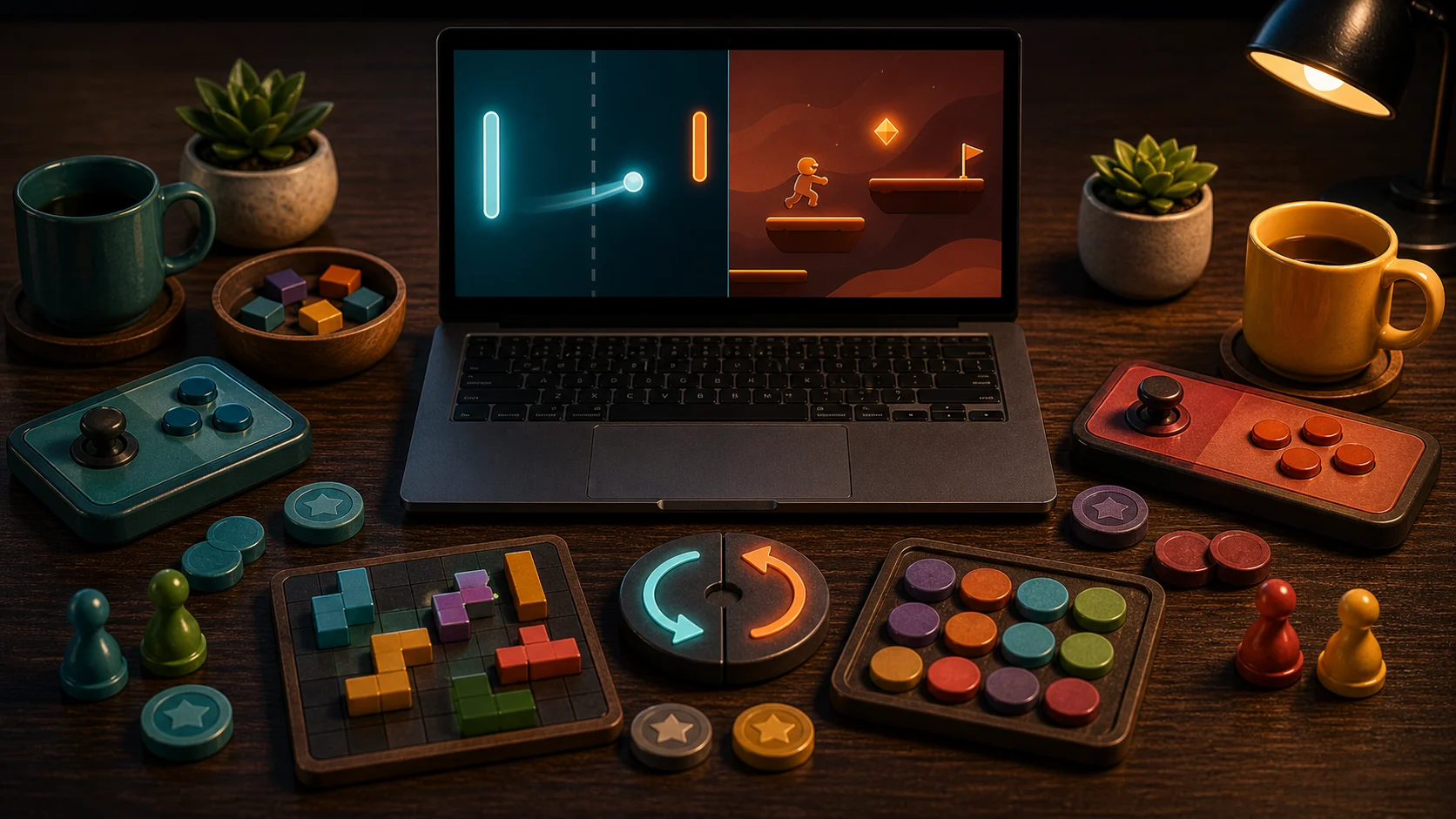
Same-device games are for moments when another player is already nearby. They work best as pass-the-device or shared-screen rounds, not as online lobbies. The value is low setup: one browser, one screen, and a clear local match.
Choose The Shared Format
For real-time shared play, start with Air Hockey. Two players use the same screen, with touch halves or keyboard controls. The game is immediate, loud in the good way, and easy to replay.
For turn-based play, choose Dots & Boxes or Ludo. Dots & Boxes asks players to draw one line at a time and avoid handing over long box chains. Ludo uses dice and token movement, so turns are easier to pass between players.
Quiz And Board Duels
Quiz Battle is a same-device trivia duel where players buzz in and answer from visible choices. It works when the fun is speed and accuracy. Tic Tac Toe and Connect Four can also be local-feeling rematches against a bot when only one person is playing.
If you want a nearby human opponent, choose the games that clearly support shared-screen or pass-the-device play.
Set Expectations Clearly
Same-device does not mean remote multiplayer. There is no matchmaking, room code, or account system implied here. The game is local to the browser session and the people around the device.
That makes these games good for short breaks, classrooms, waiting rooms, or a quick couch rematch, as long as everyone can see the screen.
First Shared Picks
Open Air Hockey if you want immediate action, Dots & Boxes if you want turn-based strategy, Ludo if you want a familiar board race, and Quiz Battle if you want a buzzer-style trivia duel. For solo games with built-in opposition, read Browser Games With Built-In Opponents.