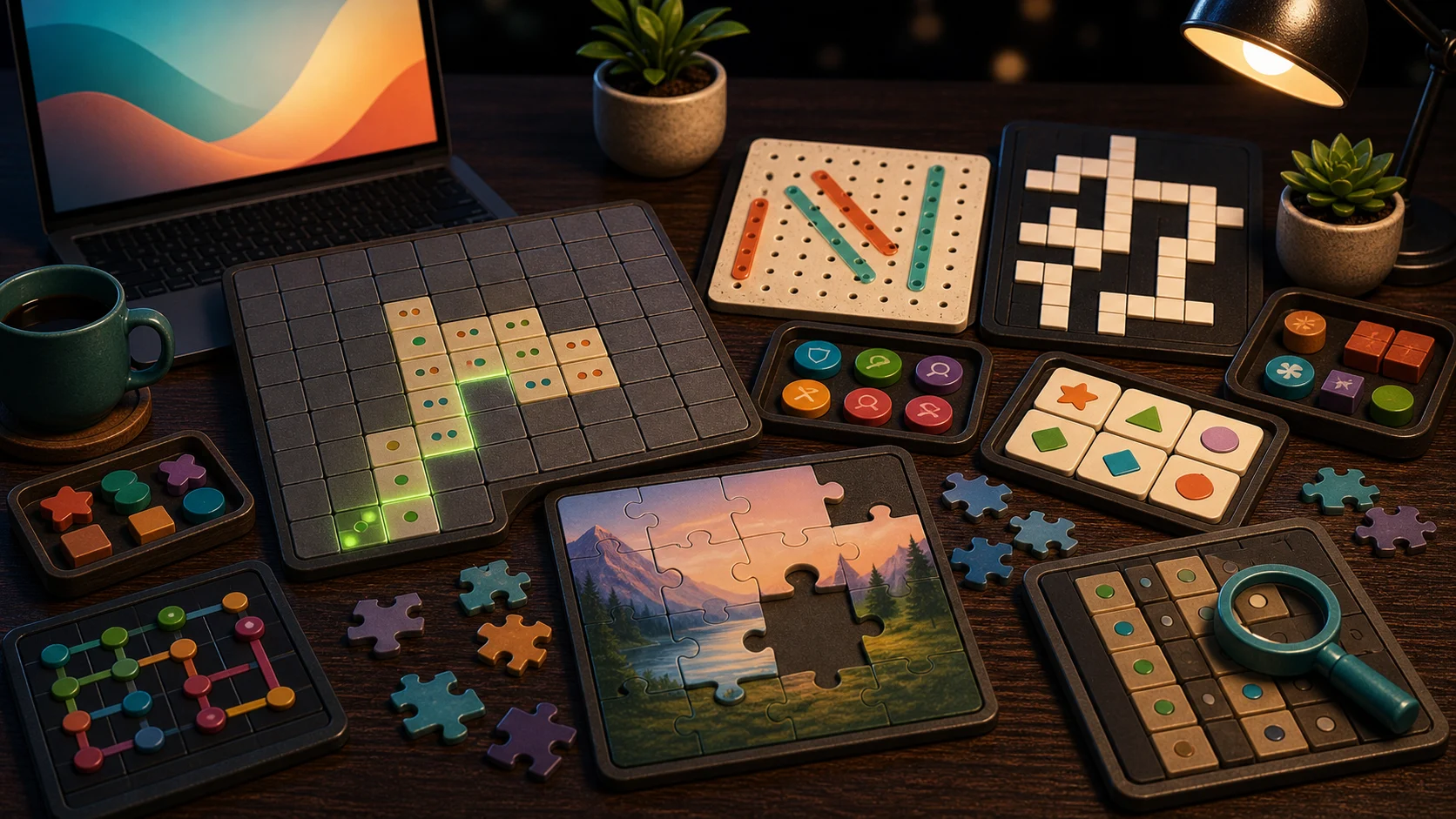
A good browser puzzle should not make you set up an account, install an app, or read a rulebook before the first move. It should open, show the board, and make the next decision clear enough to try.
Start With The Board Type
Choose Sudoku if you want a number grid with notes. Choose Minesweeper if you want number clues and safe-cell logic. Choose Nonogram if you want row and column clues that reveal a picture.
If you prefer visual matching, Mahjong Solitaire and Memory Match are easier first clicks. Mahjong asks whether both tiles are free. Memory Match asks whether you remember where a card appeared.
Pick Fast Or Slow
For fast starts, try 2048, Block Puzzle, Word Search, or Bubble Shooter. You can understand the first move quickly and improve from immediate feedback.
For slower sessions, try Sudoku, Nonogram, Crossword, Mahjong Solitaire, or Connect the Dots. These are better when you have enough attention to hold clues, routes, or previous moves in your head.
How These Puzzles Open
The games open in the browser with no download or sign-up. Some save best times, scores, move counts, or active progress on this device, but that is local browser progress, not a cloud account.
Most puzzle pages also show controls and support tools where relevant. Use notes, hint, undo, safe start, or restart when the game provides them. Those tools are part of the puzzle experience, not a failure state.
Where To Begin
If you are unsure, start with one easy-to-read board: Block Puzzle for space, Word Search for scanning, Sudoku for logic, or Mahjong Solitaire for matching. Play one board with a simple goal, then follow the mechanic that felt best. For a more detailed choice between puzzle styles, read Match, Sort, Or Clear.