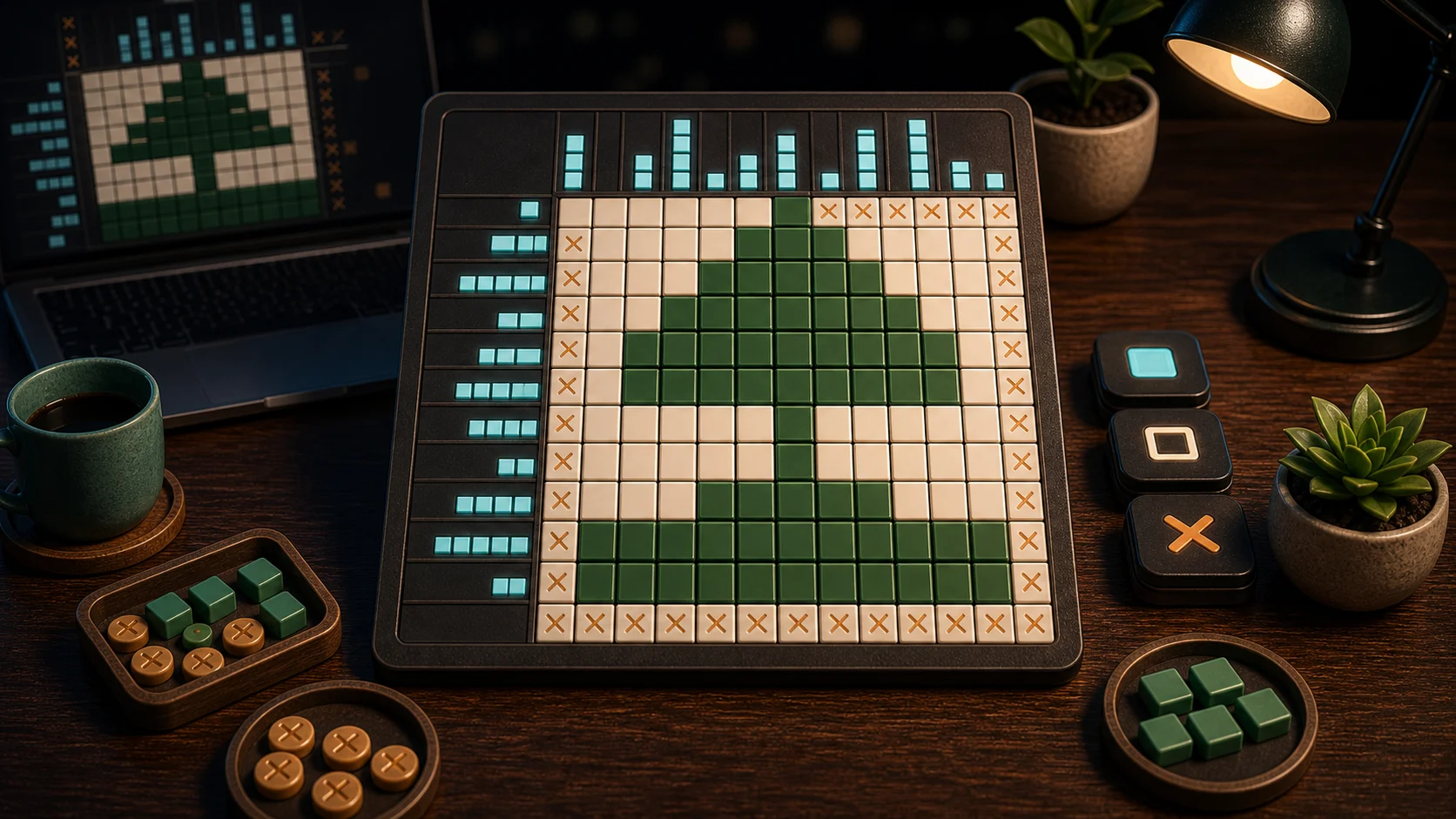
Nonogram turns row and column clues into a picture. Each number is a run of filled cells, and separated numbers need at least one clear cell between them. The puzzle becomes much easier when you mark what cannot be filled, not only what can.
Start With Forced Lines
Look for rows or columns where the clue nearly fills the available space. A large number in a short line often creates overlap no matter which side the run starts from. Those overlap cells are safe fills.
Use Fill, Mark, and Clear to keep the picture organized. A marked blank is not wasted time; it protects the line from later guessing.
Cross-Check Every Fill
A filled cell belongs to both a row and a column. After filling a cell from a row clue, check what it means for the column clue. This is where the picture starts to solve itself.
Keyboard play can help: arrow keys move, F fills, M marks, C clears, and Space can interact. Touch and drag work too, but keep the same logic pace.
Where Picture Logic Slips
Logic slips when you fill a cell because it looks likely rather than proven. If you are unsure, mark the surrounding blanks first or move to another line. One wrong fill can make several clues appear inconsistent.
Best move counts save on this device after each completed picture. Fewer moves come from proof, not from speed.
One Row Habit
For one puzzle, mark all known blanks in a line before filling uncertain cells. That makes the remaining space easier to reason about. If you like number clues with hidden danger instead of pictures, try Minesweeper. For a more traditional number grid, open Sudoku.