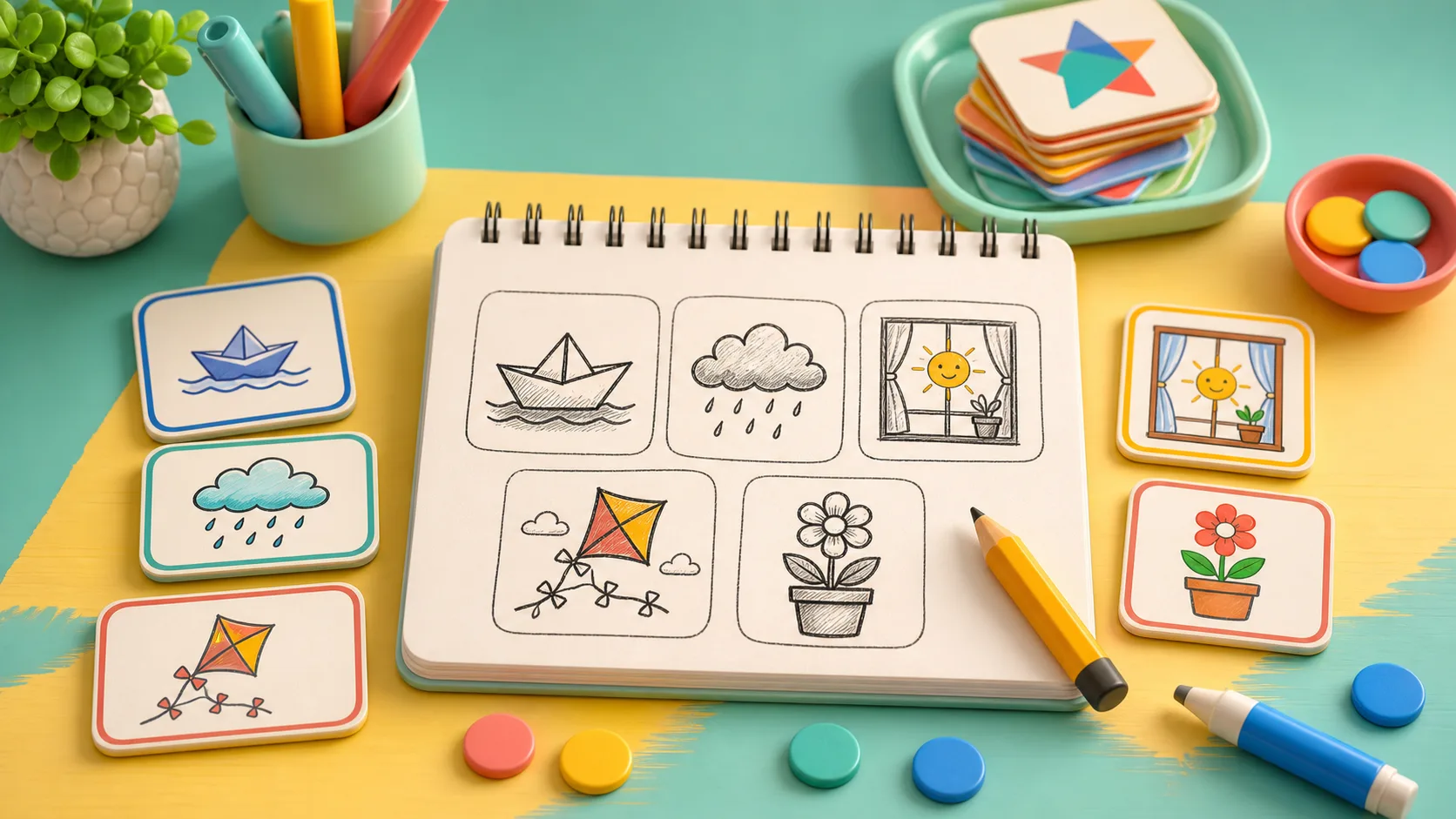
Sketch Clue Studio is not about making the prettiest drawing. It is about making a prompt readable enough that the matching clue feels obvious. Start with the prompt card, use the clue tiles as guardrails, draw one clean idea on the canvas, and press Match sketch only when the answer still makes sense at a glance.
Start With The Prompt, Not The Pen
The game gives you a prompt card, two clue tiles, a drawing canvas, and four clue choices. That first reading step matters. If the prompt says “paper boat” and the clues mention “triangle sail” and “flat base,” the drawing should make those two facts clear before anything else.
Do not begin with texture. Begin with the shape that separates the prompt from the other answers. A paper boat needs a flat base and a simple sail. A rain cloud needs a soft cloud shape and falling drops. A sun in a window needs a square frame before the round sun becomes useful.
This is the same reason the Puzzle shelf works best when you read the board before acting. Sketch Clue Studio just turns that habit into drawing: understand the target, then make the shortest visible path toward it.
Draw The One Detail That Proves The Answer
Every prompt has a detail that carries more weight than the rest. For a star kite, the star points matter more than filling the whole sky. For a flower pot, the pot base and petal top matter more than drawing a full garden. For a leaf cup, the cup curve and leaf tip should be clear before you add anything decorative.
Use the canvas like a clue board. If another answer choice could still match your sketch, add the one detail that rules it out. A plain oval might be a leaf, cup, or lamp. A cup curve with a leaf tip becomes much easier to read. A cloud shape could be weather, but drops under it make “rain cloud” safer.
That also keeps the round from turning into random scribbling. Sketch Clue Studio tracks careful strokes, and clean prompt matches can earn studio stars. Fewer clear strokes are usually better than a crowded drawing that hides the idea.
Pick The Brush Size For The Job
The Fine, Soft, and Bold brush buttons are not just style choices. Fine is useful for small separators, like a kite tail, window frame, or leaf point. Soft is a good default when the shape needs to feel visible without taking over the whole canvas. Bold is best for a simple outline that should be readable from across the screen.
One practical habit is to use Bold or Soft for the main silhouette, then switch to Fine for the proof detail. Draw the pot first, then add petals. Draw the square window, then place the sun. Draw the boat base, then add the triangle sail.
If the first stroke goes wrong, use Undo stroke before the drawing becomes harder to read. If the whole idea is messy, Clear sketch is better than trying to rescue every line. Restart prompt keeps the same prompt, which is useful when you know what to draw but want a cleaner attempt.
Match Only When The Clue Tile Still Fits
The clue choices are part of the puzzle. Before pressing Match sketch, look at the answer grid and ask whether your drawing points to one choice more clearly than the others. If the prompt is “flower pot,” choose that tile only after the sketch actually shows a pot and flower top, not just a loose set of lines.
This pause prevents the most common mistake: drawing something close, then selecting the answer because you remember the prompt rather than because the sketch communicates it. The game will still ask you to choose the matching clue tile. Let the drawing earn the choice.
When a prompt feels awkward, use New prompt instead of forcing a bad round. The current prompt set includes compact ideas like sun in a window, paper boat, rain cloud, star kite, flower pot, and leaf cup. Each one is better when you draw the identifying shape first and leave the extras out.
Use It As A Short Clue Break
Sketch Clue Studio fits players who like clues but want something more tactile than a word grid. If you enjoy reading prompts and choosing the right answer, Word Tile Studio gives you a letter-tile version of that habit. If you prefer drawing paths without crossing them, Connect the Dots is the cleaner route puzzle. If you want a visual board to finish, Jigsaw Puzzle is a calmer next stop.
For broader clue-based choices, read Clue-Based Browser Games To Play When You Want To Think. If you often get stuck mid-round, Puzzle Games That Help When You Get Stuck compares hints, undo, notes, and reset tools across several Poket52 games.
Your first Sketch Clue Studio goal should be simple: draw one prompt in the fewest clear strokes you can. Read the clue tiles, make the defining shape, add one proof detail, then match. A readable sketch beats a busy one.