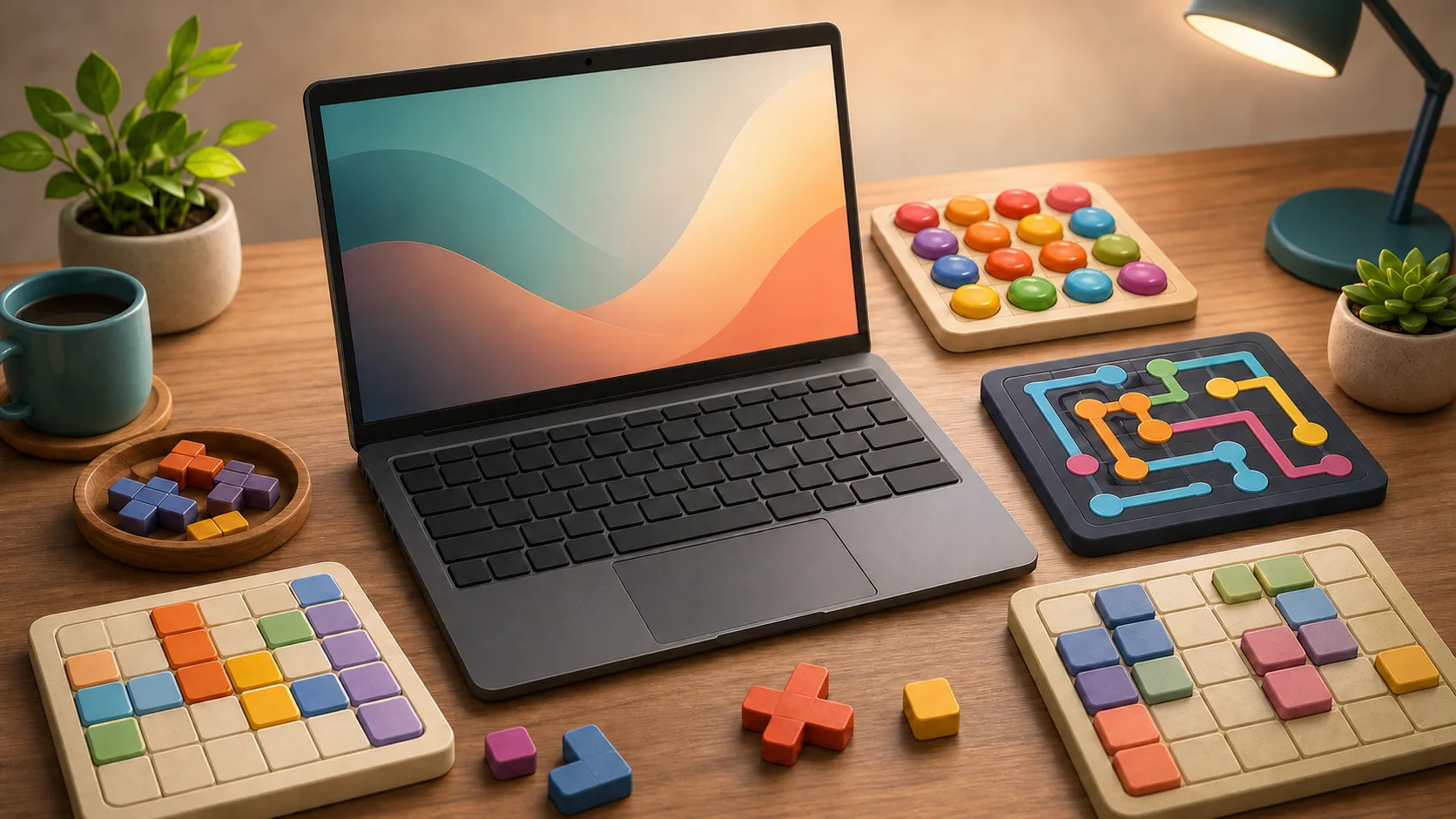
Keyboard-friendly puzzle games matter when you are on a laptop, avoiding tiny touch targets, or simply prefer deliberate inputs. The best keyboard puzzle is not just one that technically accepts keys. It is one where keys make the board easier to read.
Choose The Input Style
For word play, Word Search, Crossword, and Word Tile Studio benefit from keyboard focus. Word Search lets you mark a first letter, move with arrows, and submit the path. Crossword naturally fits typing. Word Tile Studio works well when you want to build and edit a word quickly.
For number and logic boards, Sudoku, Nonogram, Minesweeper, and Connect the Dots all support deliberate keyboard play in different ways.
Where Keyboard Control Helps
Keyboard control helps most when precision matters. In Nonogram, Fill, Mark, and Clear keep states distinct. In Minesweeper, flags and chord moves reduce accidental taps. In Connect the Dots, number keys and arrows let you extend one color path carefully.
It also helps with repeat attempts. A keyboard rhythm can make mistakes more visible because each action is intentional.
Do Not Force The Wrong Input
Some games are still more natural with drag, swipe, or pointer aim. Block Puzzle, Bubble Shooter, and Jigsaw Puzzle can support multiple inputs, but you should use the one that makes the board easiest for you to read.
The point is not to prove a keyboard can do everything. The point is to choose a puzzle where keyboard play reduces friction.
First Keyboard Picks
Start with Crossword if you want typing, Sudoku if you want number entry and notes, Nonogram if you want mark/fill control, and Connect the Dots if you want route precision. If you are on a phone instead, the tap-friendly puzzle guide is the better shelf.