The game runs right here. Tap Full screen for an immersive view.

Tower Defense
♟️ StrategyPlace towers, tune upgrades, and protect the path
Place towers beside the path, spend coins carefully, and clear five waves before the base runs out of health.
- Pick a tower type, select a build pad, then place it before the next wave starts.
- Upgrade a placed tower when one strong pad covers several bends in the path.
- Press W to send the next wave, U to upgrade the selected pad, and R to start a new run.
- Your best cleared wave saves on this device.




How to play Tower Defense
- Step 1 Pick a tower type, select a build pad, then place it before the next wave starts.
- Step 2 Upgrade a placed tower when one strong pad covers several bends in the path.
- Step 3 Press W to send the next wave, U to upgrade the selected pad, and R to start a new run.
- Track your result Your best cleared wave saves on this device.
Tower Defense — frequently asked questions
Is Tower Defense free to play?
Yes. Tower Defense is completely free to play on Poket52. There are no downloads, sign-ups, or in-app purchases required.
Can I play Tower Defense on mobile?
Yes. Tower Defense runs in any modern browser on both mobile and desktop. Just open the page and start playing — no app install needed.
Do I need to download anything to play Tower Defense?
No. Tower Defense is a browser game that plays instantly without any download. Open the game page on Poket52 and it loads directly in your browser.
Does Tower Defense work offline?
Tower Defense needs an internet connection to load initially, but once loaded, most game sessions continue without needing constant connectivity.
How long does a Tower Defense game take?
A typical round of Tower Defense takes 5–15 minutes, making it ideal for short breaks. Some sessions may run longer depending on your strategy.
More in Strategy
View all Strategy games
Classic 3x3 grid game with AI opponent
Open details
Drop discs to connect four in a row against the bot
Open details
Merge matching units into stronger squads for quick strategy battles
Open details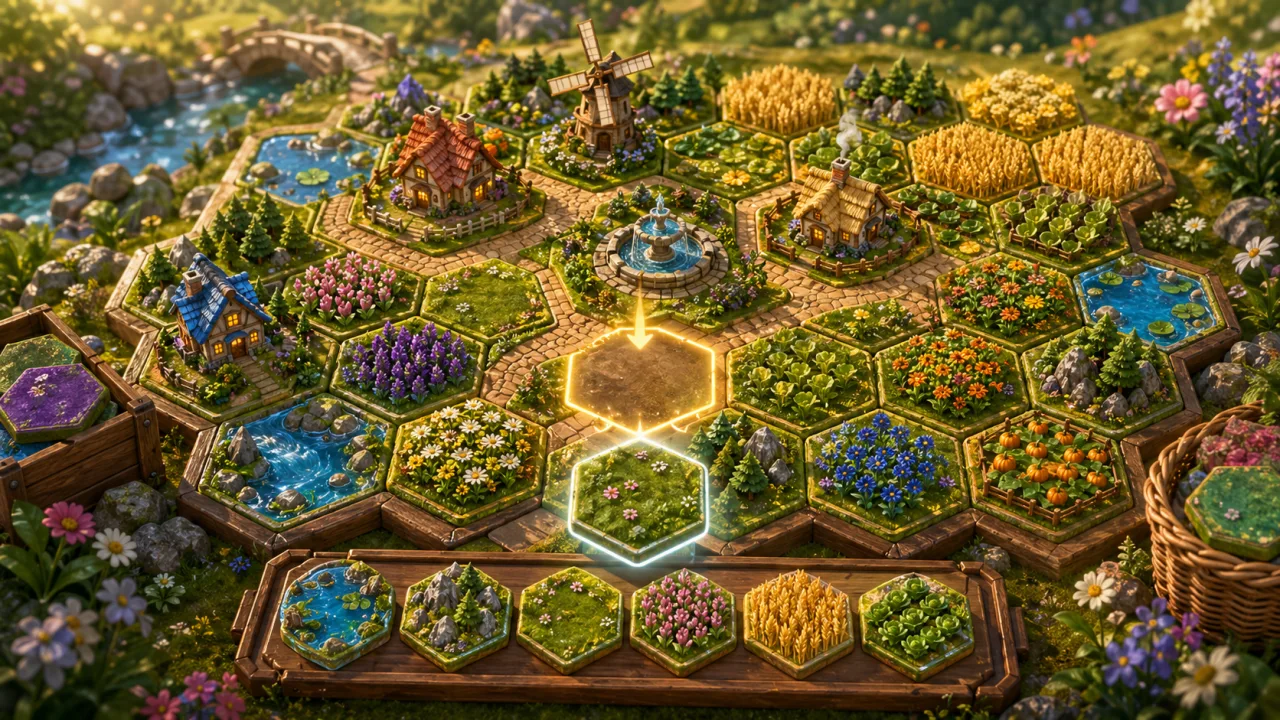
Arrange hex field tiles into a balanced fictional meadow pattern
Open details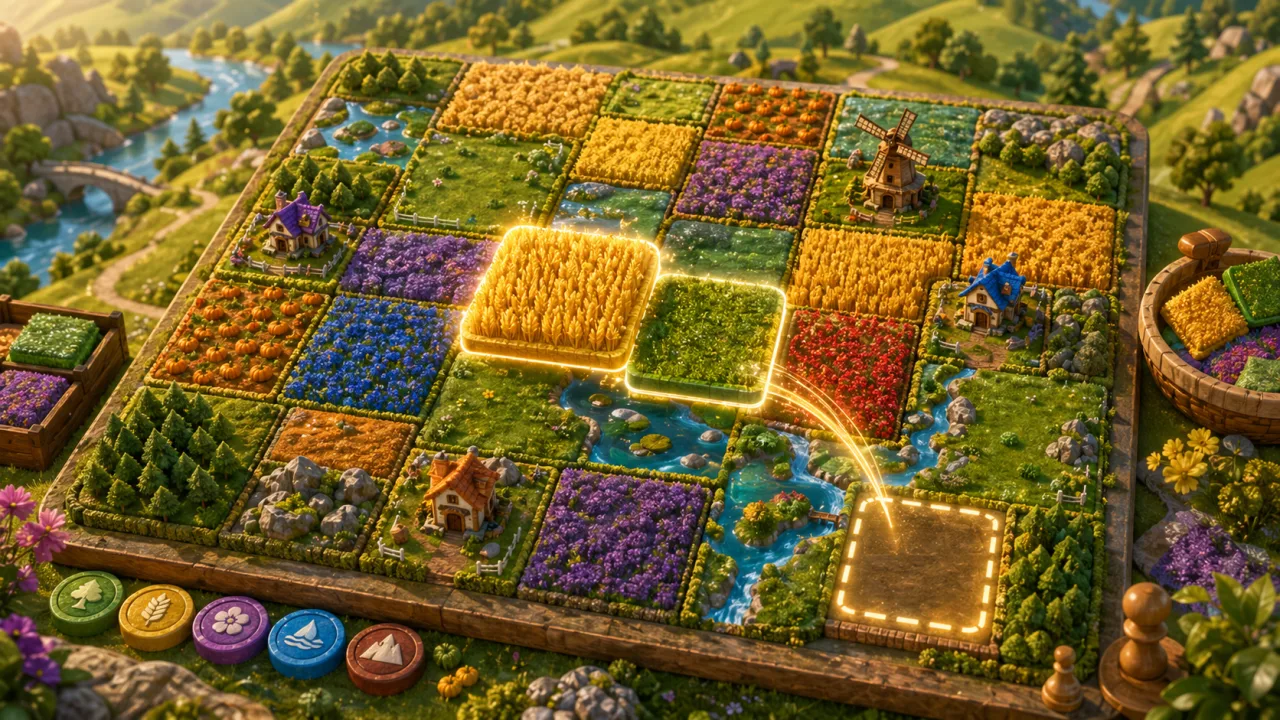
Color meadow patches and plan a balanced field pattern
Open details
Place helpers, guide foam balls, and raise banner comfort in a cozy courtyard plan
Open details