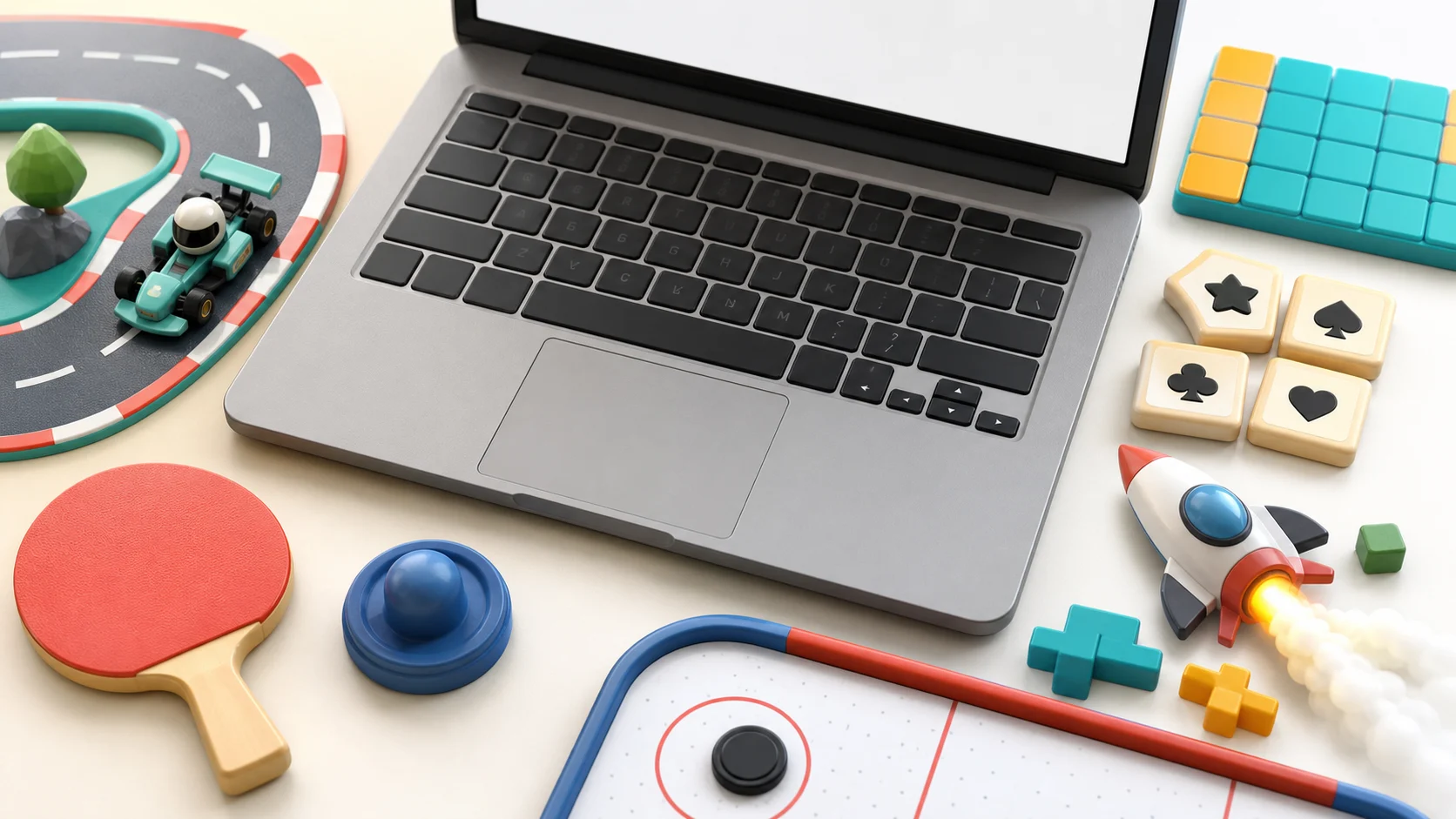
Keyboard-friendly browser games are useful when you are on a laptop, using a desktop keyboard, or just tired of tiny pointer moves. The best pick is not always the game with the most shortcuts. It is the game where the keys match the decision you are trying to make.
On Poket52, that can mean typing letters, moving a grid cursor, steering with WASD, pressing Space at the right moment, or using number keys to choose an action. If you prefer keys over a mouse, start with the control style first and the category second.
Start With Typing Or Number Keys
For word games, Word Tile Studio is the cleanest first pick. You can type letters to build the current word, use Backspace to remove the latest letter, press Enter to submit, and use Escape to clear. That makes the round feel more like editing a word than dragging tiles around the screen.
Crossword is another natural keyboard game because the main job is reading clues and entering letters. Start with the answers you know, then use crossing letters to test the harder clues. The helper controls matter when one square blocks the grid: Check puzzle, Reveal letter, and Clear word keep the round from turning into blind guessing.
Word Search is a different kind of keyboard fit. Instead of typing the answer, you can mark the first letter with Space or Enter, move with arrow keys, and submit the straight path when you reach the final letter. Use that when you want a scanning game without dragging across the letter board.
For number-key play, Sudoku is the obvious choice. Pick a cell, enter digits from the keyboard, and use notes when a number is still only a candidate. The useful habit is to slow down before each digit. A wrong digit may be rejected, but the board improves faster when every number is supported by its row, column, and 3x3 box.
Choose Grid Control When Precision Matters
The Puzzle shelf has several games where keyboard control helps because the board is small and exact. Nonogram lets you use arrow keys with Fill, Mark, Clear, and Space, so you can separate a confirmed filled cell from a likely blank. That is useful when one careless mark can confuse both a row clue and a column clue.
Connect the Dots also benefits from deliberate key presses. Number keys choose a path, arrows extend it, and Escape can back out when a route blocks another color. Keyboard play is slower than a quick drag, but that is the point. The board gives you time to see which lane needs to stay open.
Candy Swap is a better pick when you want the grid to move after each decision. Arrow keys with Space or Enter let you choose neighboring candies without swiping. Before you swap, name the goal: clear jelly, crack a blocker, collect a target color, or set up a striped candy. Keys help most when they make that choice calmer.
If you want more puzzle-only choices, the keyboard-friendly puzzle guide goes deeper on grids, notes, paths, and word boards.
Use WASD For Movement Games
Keyboard play is not only for puzzles. If your hands expect WASD or arrow keys, start with games where movement is the whole skill.
Space Shooter is a strong keyboard action pick. Move the patrol craft with arrows or WASD, then press Space or Enter when the plasma charge is ready. A better first run is not constant firing. It is moving into a lane where the next shot has time to clear the wave before shields take pressure.
Zombie Survival uses the same movement idea with a different pressure. You move through a top-down garden arena, collect glow packs, and use Space or Enter for a burst when chasers close in. Keys work well here because you can hold a direction while watching the next pocket of space.
Ball Blast is simpler but still keyboard-friendly. Use arrows or A/D to reposition the launcher, then Space or Enter to blast upward. The first lesson is to move before the falling ball crowds the lane. Shooting matters, but the safer keyboard habit is getting out from under the next rebound.
For more reflex choices beyond keyboard input, Action Browser Games By Reflex Style compares lane reading, aiming, dodging, throwing, and survival loops.
Pick Racing And Sports By Key Feel
Racing games can feel very different from the keyboard. Track Dash Karts uses arrows, WASD, or on-screen controls to steer, throttle, and brake through checkpoint laps. It is the best choice when you want a fuller driving shape: hold the line, release before tight corners, and aim through the next gate before crossing the finish.
Drag Race is better when you want timing instead of steering. Launch, shift when the RPM marker reaches the green band, and save boost until the car can carry it cleanly. Every mistake is easy to name, which makes it a good short keyboard session.
For sports, Table Tennis works well from keys because the paddle is always asking for a small correction. Use arrows or W/S to move, then Space or Enter to serve. Recover toward the middle after wide returns instead of holding the key all the way to one side.
Mini Golf is slower. Arrows or WASD tune line and power before Space or Enter starts the putt, so it is a better pick when you want careful setup rather than fast reactions. Read sand, water, and bumpers before committing to the stroke.
If the racing category is what you want, Racing Games For Quick Browser Runs compares drift timing, traffic dodges, hill balance, river gates, and checkpoint laps.
Try Shared Keyboard Play
Keyboard controls can also make local play easier on one screen. Air Hockey lets two players share the keyboard: WASD for one side and arrow keys for the other. It is still same-device play, not online matchmaking, but it is a good pick when two people are sitting together and want a quick rally.
The useful rule is to agree on space before the first serve. Each player should stay in their half, defend first, and strike only when the puck is actually reachable. Shared keyboard games get messy when both players treat every rebound as a rush.
Where To Start
Choose Word Tile Studio if typing feels best. Choose Sudoku or Nonogram when you want a slower grid. Choose Space Shooter or Zombie Survival when WASD movement sounds better than puzzle focus. Choose Track Dash Karts for full driving controls, Drag Race for timing, Table Tennis for quick sports rallies, or Air Hockey for same-device keyboard play.
Keyboard-friendly does not mean keyboard-only. Many Poket52 games also support touch, pointer, drag, or on-screen buttons. The right choice is the one where the input disappears and the game decision stays clear: type the word, place the number, move the ship, shift the gear, return the rally, or defend the puck.