How do I play Garden Jelly Match on Poket52?
Open Garden Jelly Match, press Play, and follow the controls shown on the browser game panel. The how-to steps on this page cover the main objective, controls, and retry flow.
Rules, controls, and tips
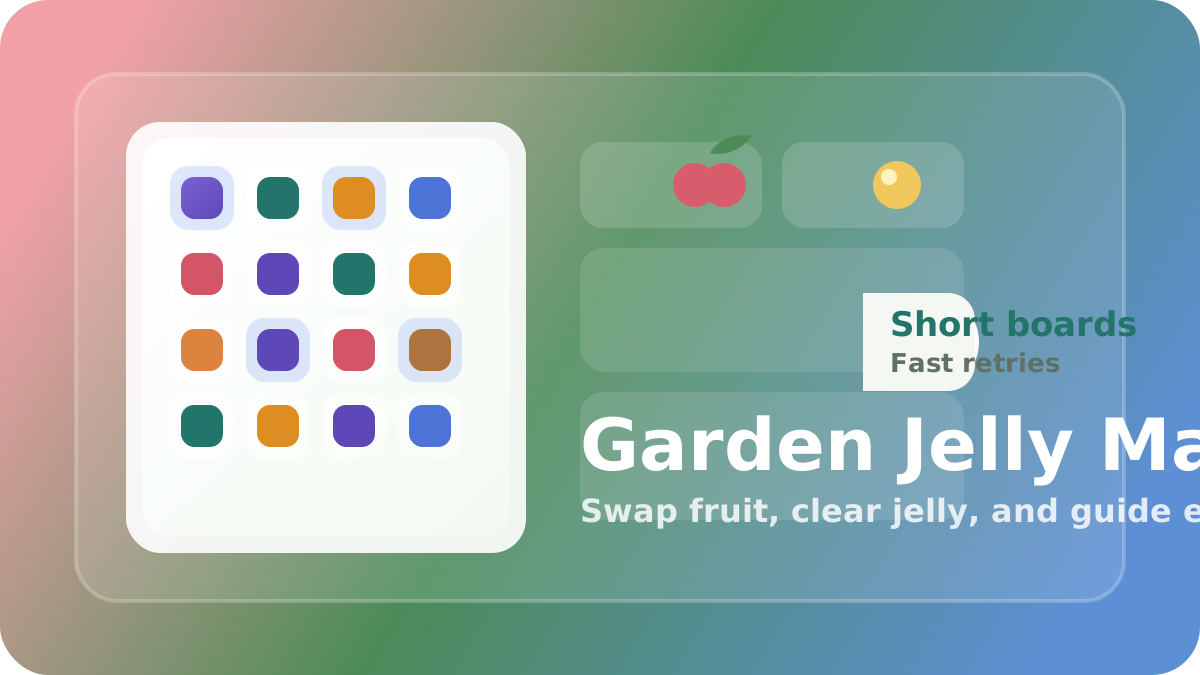
Swap nearby fruit tiles, clear jelly patches, crack blockers, and guide short drop goals through a quick local match ladder.
Use these steps before your first run.
Drag across neighboring fruit tiles or tap one tile and then its neighbor to swap.
Blue jelly clears when you match on top of it, and wooden crates break when you clear a match right beside them.
Wrapped fruit keeps its vine border until it is matched or clipped by an adjacent clear.
Drop goals only count when the amber supply crate reaches the bottom edge, and unlocked levels stay local to this browser.
What to focus on while playing.
Swap fruit tiles, clear jelly cells, and guide short garden drop goals through quick match boards
Browse more puzzle gamesSmall habits that help quickly.
Before you start playing.
Open Garden Jelly Match, press Play, and follow the controls shown on the browser game panel. The how-to steps on this page cover the main objective, controls, and retry flow.
No. Garden Jelly Match runs in the browser on Poket52, so you can play without downloading an app or creating an account.
Start with the basic controls, then focus on the game objective and one repeatable improvement habit, such as protecting space, checking moves, or using restart after a short practice round.