How do I play Aquarium Care on Poket52?
Open Aquarium Care, press Play, and follow the controls shown on the browser game panel. The how-to steps on this page cover the main objective, controls, and retry flow.
Rules, controls, and tips
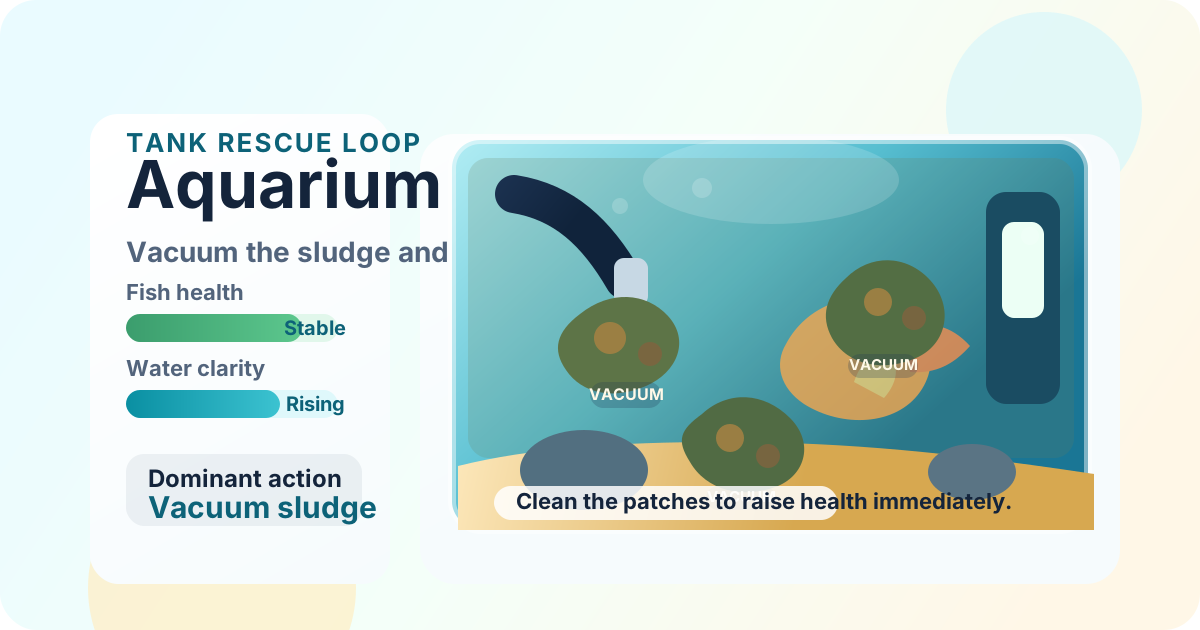
Vacuum sludge patches, restore water clarity, and keep one compact aquarium healthy before the next dirty wave settles in.
Use these steps before your first run.
Start with the visible sludge patches in the tank. Each clean patch raises clarity and fish health right away.
Use Tab to focus a sludge patch and press Enter if you want a keyboard vacuum instead of a touch tap.
Clear the full dirty wave to bank a clean streak before the next sludge pattern settles in.
Your aquarium care streak saves on this device, and Fresh wave starts a new local rescue run.
What to focus on while playing.
Vacuum sludge, restore water clarity, and keep a browser tank healthy
Browse more simulation gamesSmall habits that help quickly.
Before you start playing.
Open Aquarium Care, press Play, and follow the controls shown on the browser game panel. The how-to steps on this page cover the main objective, controls, and retry flow.
No. Aquarium Care runs in the browser on Poket52, so you can play without downloading an app or creating an account.
Start with the basic controls, then focus on the game objective and one repeatable improvement habit, such as protecting space, checking moves, or using restart after a short practice round.