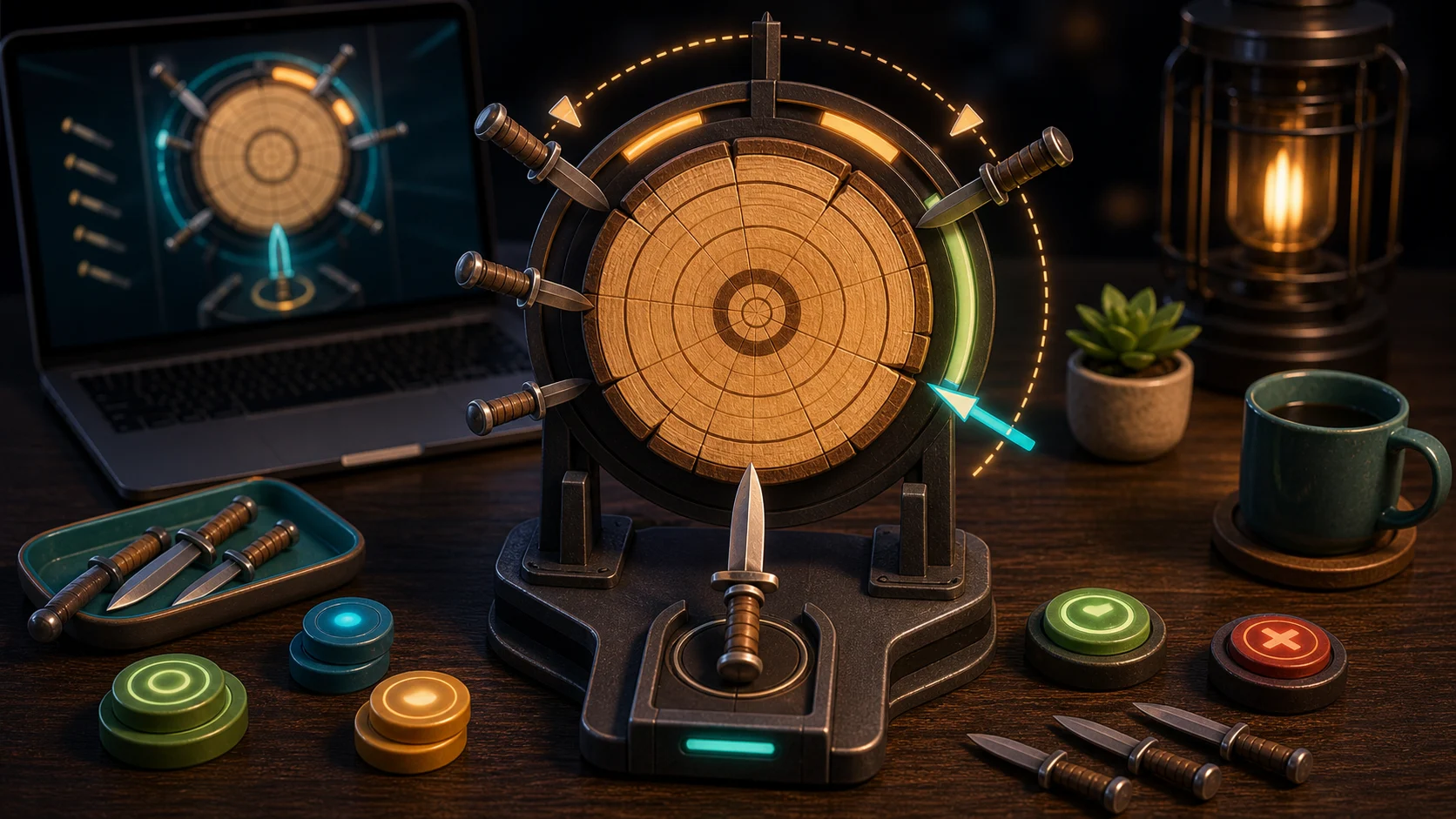
Knife Hit is a timing game where patience is the main skill. The target rotates, stuck blades change the safe gaps, and every throw should be aimed at the bottom lane where the next knife actually travels.
Watch The Throw Line
Tap the arena, click Throw, or press Space or Enter to toss. Before you do, watch the bottom of the target. A gap on the far side of the circle does not matter unless it is moving toward the blade path.
After a successful hit, pause. The target now has another blade in it, which means the next opening is different. Throwing immediately after a hit is one of the easiest ways to collide.
Count Gaps, Not Speed
When the target speeds up, it can trick you into pressing early. Instead of reacting to speed, wait for a usable gap. If there is one wide opening and several narrow ones, skip the narrow windows and let the target rotate.
Clearing every knife advances to a faster target, and your best score saves on this device. Faster rounds are manageable if the same rule stays in place: bottom gap first, throw second.
Why Knives Collide
Collisions usually come from throwing at a feeling rather than a lane. You see motion, press too soon, and hit a blade that was about to enter the path. Train your eyes on the landing lane, not the whole spinning target.
If you collide, restart with a specific correction. Wait one beat longer if you were early. Press as the gap approaches if you were late.
One Throw Rule
For one run, never throw on the first gap after a hit. Let it pass unless it is clearly safe. That one extra rotation builds patience. For another one-input timing game, try Tower Smash. For gesture timing instead of throws, open Fruit Slicer.