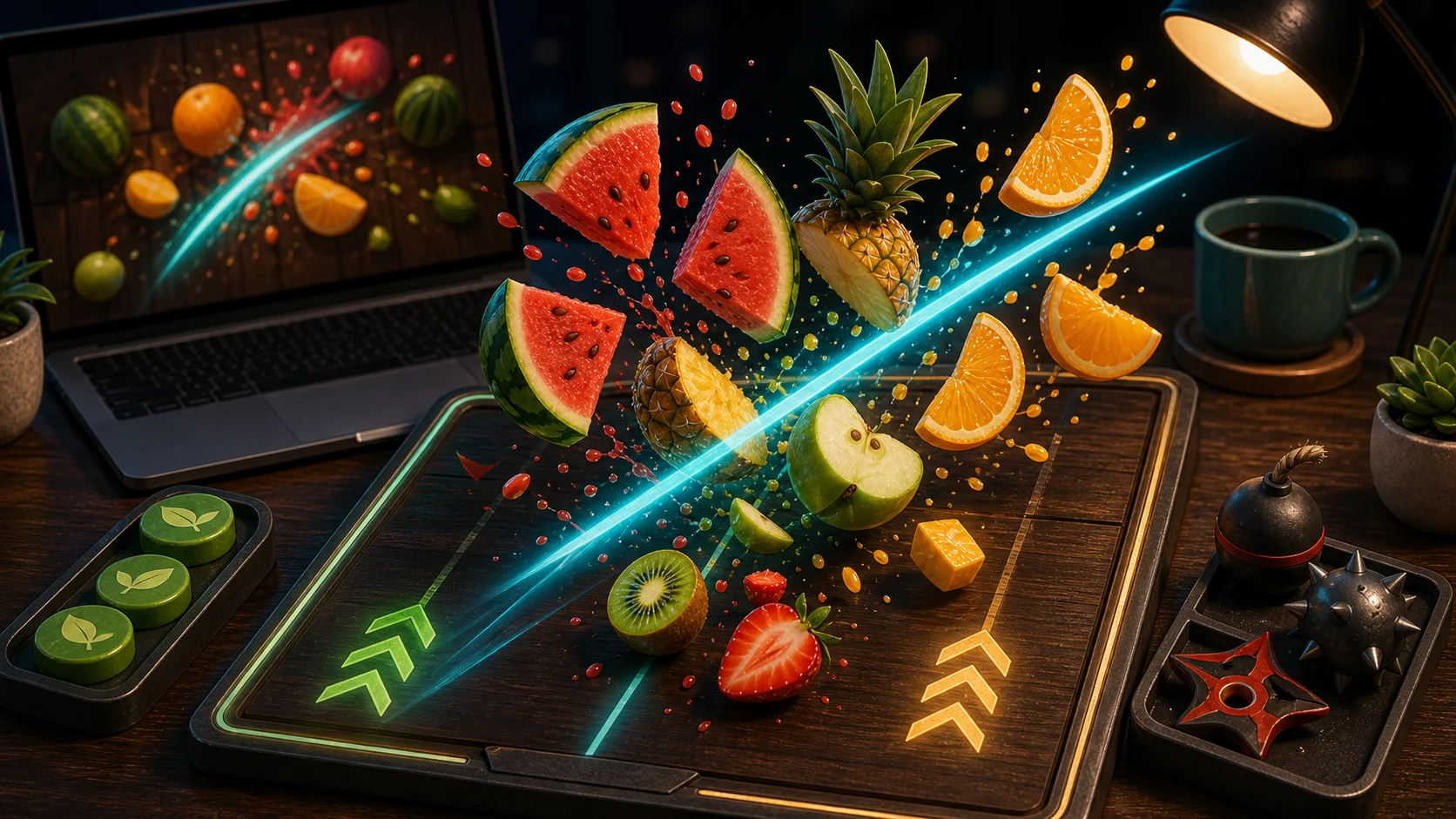
Fruit Slicer rewards short, timed cuts. The screen can look busy, but wide swipes are often what hit hazards or miss the second fruit. Wait for the arc, then cut through the part that matters.
Let The Fruit Group First
Fruit appears quickly, but you do not have to swipe the instant it appears. Watch the arc for a moment. If two fruits are crossing close together, one short diagonal swipe may catch both. If they are far apart, separate cuts are safer.
On desktop, A, S, D, or arrow keys can trigger slash lanes. That turns the same idea into a lane read: choose the lane that catches fruit without touching a hazard pod.
Avoid The Panic Sweep
A panic sweep covers too much screen. It feels safe, but it can hit dark hazard pods or miss fruit that has not entered the path yet. Keep the swipe short enough that you know what it will touch.
After every cut, reset your eyes to the whole screen. Do not follow the sliced fruit downward; the next launch is the important one.
When Combos Break
Combos usually break because the player chases one fruit late and ignores the next safer group. If a fruit is already falling out of reach, let it go and prepare for the next arc. Saving the round matters more than forcing one risky cut.
A clean run is a series of small decisions. Read the arc, cut the path, avoid the pod, reset.
One Swipe Drill
For one run, do not swipe across more than half the screen. That limit forces cleaner cuts and makes hazards easier to avoid. If you want another precise timing game, try Knife Hit. If you prefer dodging and shooting, open Ball Blast.