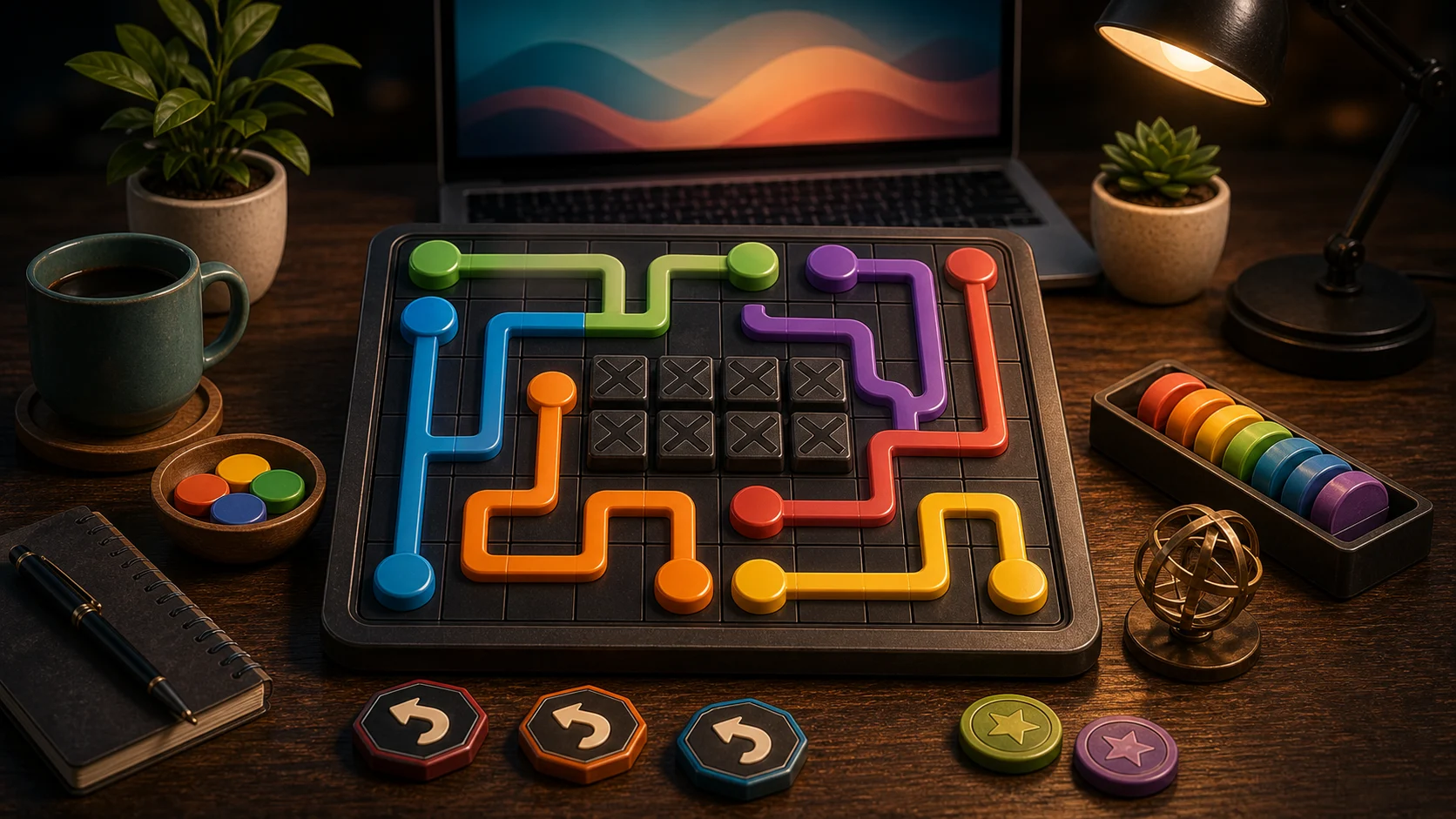
Connect the Dots is a space puzzle. Every path you draw becomes a wall for the paths after it, so a line that looks harmless can still ruin the board. The goal is not to connect the first easy pair. It is to leave enough room for every pair.
Start With Tight Pairs
Pairs near an edge usually have fewer route options. Solve them first, and keep those paths close to the side whenever possible. If you send an edge pair through the middle, you may steal the only corridor a far-apart color needs later.
Far pairs deserve more space. Before drawing a short path, check whether the long pair needs the center lane. The cleanest board often comes from planning the longest connection before finishing the shortest one.
Backtrack Early
Use number keys and arrows for keyboard drawing, or drag and tap adjacent cells with pointer or touch. If a path blocks another color, backtrack or press Escape instead of forcing a crossed route. Backtracking is part of solving, not a sign the run has failed.
A good path has a reason for every turn. If a line bends three or four times without protecting space, it may be wandering through cells another color needs.
Spot Bottlenecks
Look for dots surrounded on several sides. Those dots often have only one good exit. Also watch narrow lanes where two colors seem to want the same cells. One of them will need to go around the outside.
Your best cleared puzzle saves on this device, so repeated attempts are worthwhile. After a blocked solve, remember the lane that was missing and protect it earlier next time.
One Routing Drill
Try this order: edge pair first, longest pair second, shortest pair last. That simple routine keeps the biggest decisions visible while the board is still open. For another puzzle about preserving space, play Block Puzzle. For clue-based logic instead of route planning, try Minesweeper.